PUBG Mobile Lite Redeem Codes
None confirmed for LIGHT. Use official Redeem only, and skip sellers.
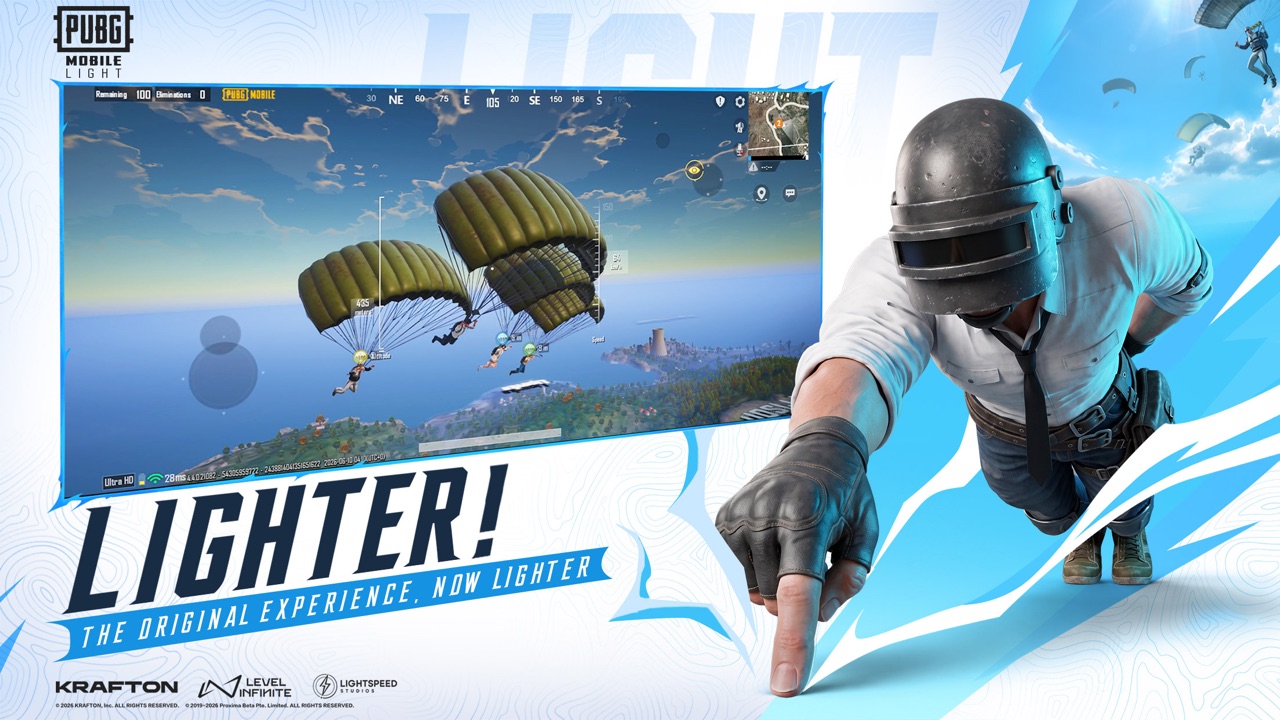
There are no confirmed PUBG MOBILE LIGHT-only redeem codes right now. Lightspeed Studios, Level Infinite, and the official PUBG Mobile channels have not published a LIGHT-specific gift list, and this wiki will not invent strings that look like working codes. If a screenshot of a “working LIGHT code” appears on social media, treat it as unverified until it shows up in official mail, a producer post, or the in-game Redeem field.
This hub exists so you can check one page instead of scrolling comment sections. When a real string is published, we will add the code, the expected reward, the source, and any expiry we can verify. Until then, the honest answer is empty: none confirmed.
PUBG Mobile Lite (store title PUBG MOBILE LIGHT) is still an upcoming client with a November 2026 launch window. Pre-registration is open on official stores, but an open pre-register button is not the same thing as a live Redeem catalog. Do not expect a daily code sheet the way some Roblox experiences run. LIGHT is a lighter PUBG Mobile client with a shared account, not a separate gacha title.
How Redeem usually works in PUBG Mobile
The main PUBG Mobile app has long used an in-game Redeem entry, typically under Inventory. The usual flow looks like this:
- Open the official client (the main app today; look for the same Redeem control in LIGHT once that client is playable).
- Open Inventory.
- Tap Redeem (sometimes shown as a gift / CD-key control rather than a store tile).
- Paste a code from official mail, a partner drop, or a published event.
- Confirm, then collect items from mail or inventory.
Because LIGHT shares the same account ecosystem, a code that is valid on the main app should generally apply to the same account, not to a second LIGHT-only profile. That does not mean LIGHT has extra codes of its own. Until patch notes or official mail say otherwise, assume Redeem is the shared PUBG Mobile system you already know.
If Redeem is missing from a work-in-progress CBT build, that is expected. Official posts describe the closed beta as a test build that does not represent the final version. Do not assume a missing Redeem button in a selected-country CBT is a permanent design choice.
UC versus codes
UC (Unknown Cash) is the paid premium currency in PUBG Mobile. You buy UC through official storefronts, then spend it on Royale Pass, crates, or shop bundles. UC is not a redeem code.
Codes are promotional strings. They might grant UC, outfits, crates, or event items, but they are not a substitute for buying UC, and they are not a storage-size bonus for the LIGHT client. A seller who DMs “cheap UC + LIGHT codes” is almost always running a scam.
Never:
- Buy codes from random shops, Telegram channels, or Discord DMs
- Hand over your account password for a “redeem service”
- Sideload an APK that promises auto-redeem, free UC, or a secret LIGHT gift
- Treat a YouTube thumbnail that lists ten codes as an official source
If you want cosmetics, wait for the shop and Royale Pass inside the official clients. LIGHT is designed so supported outfits and items on your existing PUBG Mobile account carry across. You do not need a code to “unlock skins for Lite.”
Pre-registration rewards are still unknown
Pre-registration rolled out from 25 August 2026 on Google Play (com.tencent.igfit) and the App Store (6740521489). Store milestone counters can differ by region. Regional coverage has said some official storefronts may mail gifts after the November launch; no official crate, UC, or outfit table is confirmed here. If mail arrives, it will come from the game, not from a Discord seller. Influencer posts that promise a guaranteed reward are not a substitute for store copy.
Use the pre-registration page and the pre-register guide for the official listings. Skip third-party APK mirrors that wrap a “code” inside a modified installer.
What to do instead of hunting fake codes
- Pre-register on Google Play or the App Store only.
- Read getting started so login, Erangel, and optional modules make sense before you drop.
- Watch the updates hub for launch mail, CBT notes, and any future official Redeem strings.
- Keep UC purchases inside the official stores. There is no LIGHT-only currency that bypasses PUBG Mobile’s usual shop.
- Bookmark this hub. We would rather leave the list empty than paste junk codes that bounce in Redeem.
When Lightspeed or Level Infinite actually publish a string, it will sit in a dated table at the top of this page. Until that happens, ignore “unlimited UC” lists, and treat every unverified code as noise.
For the difference between this 2026 client and the old 60-player Android Lite, see Lite vs Light. For the November window itself, use the release date page.
Frequently Asked Questions
Quick answers before you drop into Erangel.
Are there working PUBG Mobile Lite redeem codes?
No. There are no confirmed LIGHT-only codes. This page stays empty until an official PUBG Mobile channel publishes a string we can verify.
Where do I redeem a code in PUBG Mobile?
Historically in Inventory → Redeem in the main app. LIGHT shares that account, so a valid main-app code should apply to the same profile. Look for the same Redeem control once LIGHT is playable.
Do pre-registration rewards count as codes?
Not usually. Store milestone gifts, if any, tend to arrive in mail after launch. No LIGHT pre-reg reward package has been confirmed in public detail.
Is UC the same as a redeem code?
No. UC is paid premium currency from official stores. Codes are promotional strings. Do not buy “cheap UC codes” from strangers.
Will this wiki invent sample codes so the page looks full?
No. Fake codes waste time and train people to trust sellers. Check the updates hub instead.
Can I use a main PUBG Mobile code on LIGHT?
If Redeem accepts it on the shared account, the items sit on that account. LIGHT does not need a second code list for the same gift.