PUBG Mobile Lite Device and Sensitivity Tools
First-download sizes, iOS 13+, and starting gyro ranges. No invented RAM floor.
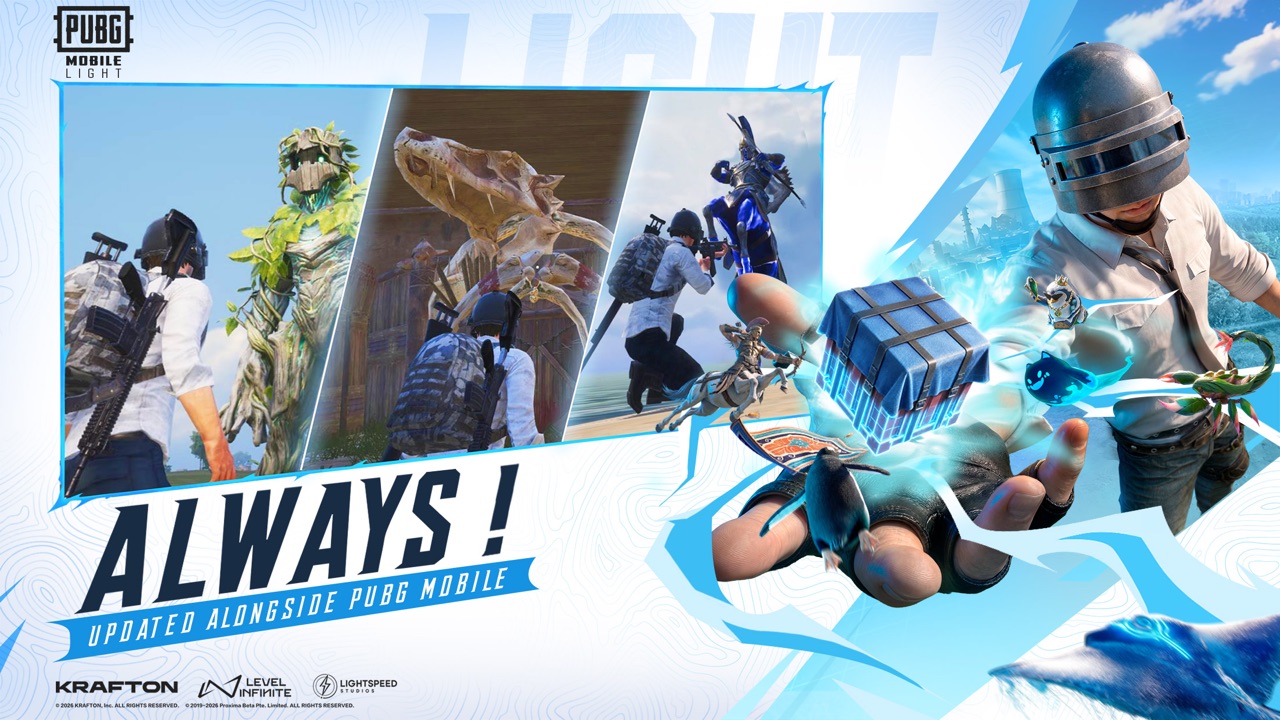
This hub is the practical kit for PUBG Mobile Lite before you have a live graphics slider in your hands. Three pages sit here:
- Device requirements — official size claims, App Store iOS 13.0 or later, optional modules, no fake RAM minimum
- Sensitivity — camera, ADS, and gyro starting ranges for 2–4 finger layouts, to test in training when the client is playable
- Graphics — Light Exclusive from official store art, Super Smooth, and why you should not start at Ultra Extreme
None of these pages is a Lightspeed spreadsheet. Producer copy says the client is built for more phones, with about 1 GB on Android and under 2 GB on iOS for the first download, Erangel included, and no mandatory extra package before the first match. The App Store listing currently adds a compatibility line of iOS 13.0 or later. That is the entire official device story this wiki will repeat. We will not invent “3 GB RAM required” because a blog did.
What to do with these tools this week
- Check free storage against the first-download claims, then leave headroom for iOS/Android overhead and one optional map if you think you will want Miramar or Sanhok later.
- Pre-register on official listings only (pre-registration).
- If you already play the main app, screenshot your current sensitivity. You will paste it into LIGHT as a starting point, then retune. Phone plus gyroscope plus a lighter graphics budget can feel different even when the rifles are the same families.
- Decide 2-finger, 3-finger, or 4-finger before you blame recoil. Layout notes: controls.
- Ignore “best LIGHT 400% gyro code” videos that pretend a leaked Lightspeed config exists.
What this hub is not
It is not a FPS overlay, a recoil macro, or a paid sensitivity generator. Those products are how accounts get banned or stolen. It is not a Trello. Lightspeed has not published a public LIGHT Trello board; do not trust a fake one. Official links live on the links hub.
It is also not a ranked calculator. Until the November 2026 window is actually delivering matches, any “LIGHT-only” overlay is fiction. CBT in selected countries is a work-in-progress build and not final, so even a screenshot of a settings menu from the test may not match launch.
How the two tools connect to the rest of the wiki
Device size explains why Erangel is the week-one map and why landing spots matter more than a desert you have not downloaded. Sensitivity explains why the weapon tier list still ranks M416 and Beryl: the guns are familiar; your thumbs still have to track them on a small screen.
If you are teaching a four-stack, send the IGL to squad roles and send the player on the oldest phone here. Cross-play with the main app (cross-play) does not magically add RAM. It just puts both clients in the same party.
When LIGHT is playable, come back and replace “starting ranges” with notes that survived a real training session. Until then, this hub stays conservative: official sizes, iOS 13+, more phones, no invented floor, gyro numbers you must test yourself. Pair it with getting started so you do not tune ADS before you have even bound the account.
Frequently Asked Questions
Quick answers before you drop into Erangel.
What is the official download size?
About 1 GB on Android and under 2 GB on iOS for the first install, with Erangel included. Extra maps are optional.
What is the iOS requirement?
The App Store listing currently says iOS 13.0 or later. Re-check the listing if Apple updates the field.
What is the RAM minimum?
Lightspeed has not published an official RAM floor for LIGHT. This wiki will not invent one. The pitch is “built for more phones.”
Are the sensitivity numbers official?
No. They are typical mobile BR starting ranges. Test in training when the client is playable.
Is there a LIGHT Trello or overlay tool?
No official Trello is listed here. Skip third-party macros. Use the links hub for real channels.