PUBG Mobile Lite Same Account, Same Squad
Log into LIGHT with your PUBG Mobile identity and party with friends on the standard app.
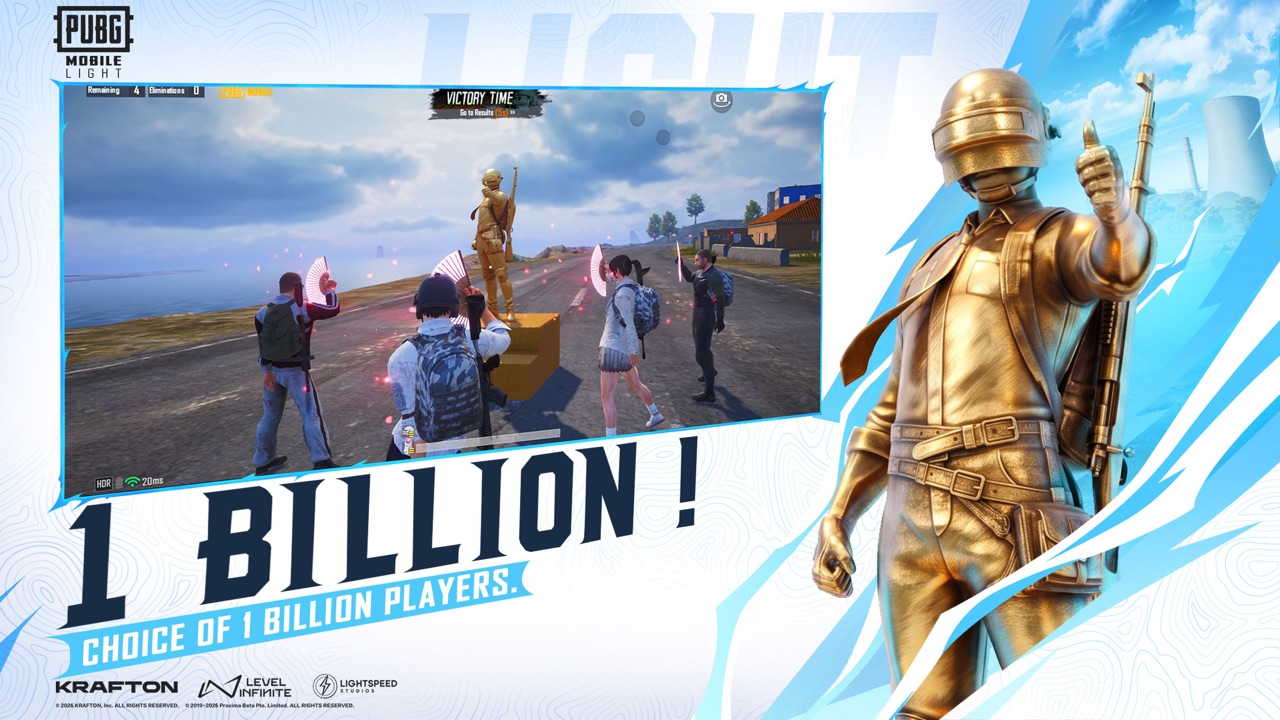
PUBG Mobile Lite is not a second universe. Publishing copy from Vincent Wang, Head of PUBG Mobile Publishing at Tencent Games, is explicit: LIGHT is about quick access and flexibility without sacrificing core gameplay, and it supports cross-play with PUBG Mobile, allowing players to squad up and enjoy the action together.
Producer Rick Li’s World Cup line sits next to that: a lighter way to play, not a smaller game. Together those quotes mean you should log in with the account you already have, keep the friends list, keep supported cosmetics, and queue with people who still use the heavy client. This page is the practical version of those quotes. The stage recap lives on the announcement.
What “shared account” should mean in the lobby
- Install LIGHT from Google Play (
com.tencent.igfit) or the App Store (6740521489) when your store actually delivers it. Pre-register first if the listing is still in the pre-order state — pre-registration. - Sign in with the same method you use on PUBG Mobile (guest accounts are how people lose outfits; bind before you care).
- Open friends. Names you already play with should be there. You should not be hunting a “Lite friend code.”
- Invite as usual. The other player can be on the standard app. That is the cross-play pitch.
- Confirm the mode and map everyone can run. Erangel is in the first install. Miramar, Sanhok, TDM, or Metro Royale may require optional modules. If a friend never downloaded those packs, do not argue in the plane.
If a friend is still on the 2019 PUBG Mobile Lite (60 players, Android-only, separate accounts), they are not in this ecosystem. Point them at Lite vs Light and the 2026 store listing.
What should carry, and what might not on day one
Intended to carry:
- Account identity and progress the main app already stores on that login
- Friends list
- Supported outfits, weapons skins, and items the main game already lets that account use
Do not assume:
- Every extra-map asset is in the LIGHT folder (optional downloads exist on purpose)
- A CBT build will show every effect (official posts: work-in-progress, not final)
- A seller “LIGHT-ready account” is a real product (it is not)
- Redeem strings unique to LIGHT exist (codes hub — none confirmed)
If a skin is missing, first confirm you logged into the correct region/account, then wait for a non-CBT build. Do not buy a second copy of an outfit “for Lite.”
Party habits that stop mixed-client wipes
Cross-play does not auto-align strategy. A main-app IGL who mains Sanhok will still mark a map a LIGHT player has not downloaded. Fix it in lobby:
- Default to Erangel until everyone opts into extra modules (maps).
- Name an IGL (squad roles).
- Agree a landing rank: hot / warm / safe (landing spots).
- If one player is on a smaller device, skip 6-person chaos and keep fights readable. LIGHT is built for more phones, not for forcing 90 FPS graphics on every teammate.
Ping and party UI can still change between CBT and the November 2026 window. If an invite button is missing in a test build, that is a test build. It is not proof that cross-play was cancelled.
Platforms, not console fantasies
LIGHT is Android and iOS. Cross-play in the quotes is LIGHT client ↔ main PUBG Mobile client, not a surprise PlayStation queue. Do not expect PC PUBG: BATTLEGROUNDS to sit in the same lobby. Do not expect the old 2019 Lite APK to invite you.
India’s BGMI Lite is a counterpart on a different store track. A BGMI friend is not automatically in your global LIGHT party. This wiki’s ids are the global ones.
Security while you wait for launch
Pre-registration is open on official stores as they roll out. The game remains upcoming. That gap is catnip for fake launch APKs that ask you to “log in to transfer skins.” Do not. Use getting started and download for the official path only.
When the window opens, the test of cross-play is simple: you open LIGHT, you see your people, you ready up, you hear the plane. If that flow breaks in a region, check official PUBG Mobile channels listed on the links hub before you believe a “cross-play delayed forever” post. Until then, practice the social part in the main app — the friends list you will bring with you is already there.
Frequently Asked Questions
Quick answers before you drop into Erangel.
Can LIGHT players squad with the main PUBG Mobile app?
That is the publishing pitch. Vincent Wang said LIGHT supports cross-play so you can squad up together.
Do I keep my friends and skins?
Log in with the same account. Friends and supported cosmetics are intended to carry across. CBT may hide items because it is not final.
Can I play with 2019 PUBG Mobile Lite users?
No. That old Android client used separate accounts and a 60-player format. It is not this ecosystem.
Do we need the same maps installed?
Erangel is in the first install. Extra maps are optional. Queue what everyone actually downloaded.
Does cross-play include PC PUBG?
No. The stated cross-play is with the standard PUBG Mobile app on mobile.
Should I make a fresh Lite account?
No. A second account splits your friends and outfits. Bind the one you already use.