PUBG Mobile Lite Link and Recover Your Account
Protect your progress before Light launches. Link, secure, and recover.
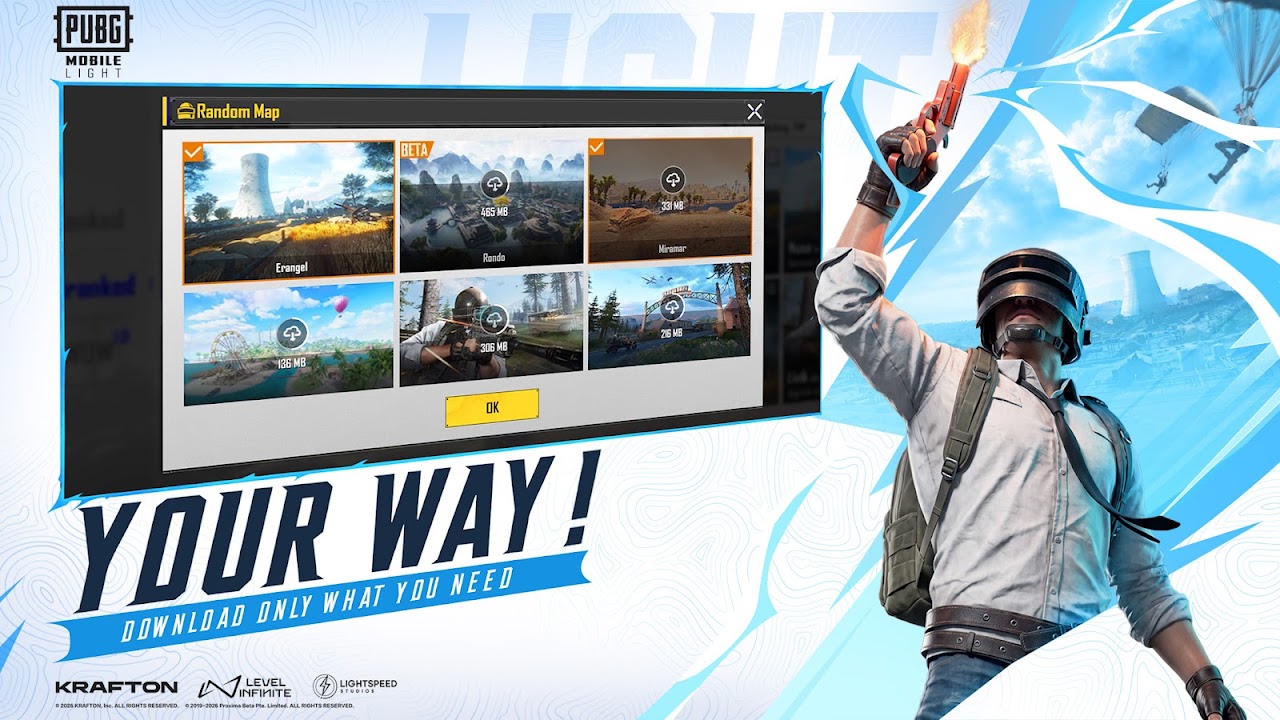
Krafton has confirmed one of the best things about PUBG Mobile Light: you log in with your existing PUBG Mobile account, and the items you own carry over, outfits included. That only works if your account is properly linked to something you control. If you are still on a guest account, this is the single most important thing to fix before launch.
This page covers account linking, account recovery, and the scams to avoid. It is distinct from account and skins, which covers login and cosmetics. This page is about keeping the account itself.
Do you need a new account for Light?
No. Light uses your existing PUBG Mobile account with items carrying across and cross-play with the standard app. You are not starting from scratch. The work is making sure that account is genuinely yours to move.
Why guest accounts are the real risk
A guest account is tied to your device, not to you. If you lose the phone, reset it, or reinstall, there is often no reliable way to prove the account was yours. Players lose years of progress every single year this way.
Linking your account to a real login is what makes it portable, which is exactly what you need when moving onto a new client. Do it before launch day, not after something goes wrong.
How to link your PUBG Mobile account
PUBG Mobile supports linking your account to external logins such as Facebook, Google Play (Android), Apple ID (iOS), and Twitter/X. The exact list varies by version and region. In the current PUBG Mobile client the flow looks like this:
- Open the game and go to your profile or settings area.
- Find the account or basic settings section.
- Choose the link option for the login you want to connect.
- Sign in to that account and approve the connection.
- Confirm it now shows as linked before you close the game.
Link more than one where you can. A second linked login is a backup route if you ever lose access to the first.
Note: these steps describe the current PUBG Mobile client. Light has not launched yet, so its exact screens are not confirmed. We will update this guide with Light’s own flow once the app is live.
How to prepare your account before Light launches
- Link a real login if you are on guest. This is the priority.
- Add a second linked account as a backup where supported.
- Secure the linked email with a strong password and two-factor authentication.
- Note your numeric player ID and keep it somewhere safe. Support asks for it.
- Keep proof of ownership, such as purchase receipts and approximate account creation date.
How to recover a lost PUBG Mobile account
If the account is linked, recovery is usually straightforward: install the game, choose the same linked login you used before, and your progress should return. Most recovery problems come down to signing in with the wrong login, for example a Google account when the progress sits on a Facebook link.
If you cannot get in, contact official PUBG Mobile support through the in-game help or Krafton’s official support channels. Be ready with your player ID, the linked login, your approximate account creation date, your device history, and any purchase receipts. Receipts are the strongest evidence of ownership.
Be realistic: an unlinked guest account with no purchases is very hard to recover, which is exactly why linking now matters.
Account recovery scams to avoid
Account recovery is a scam magnet. Nobody outside official support can restore your account, and no legitimate service needs your password.
- Never share your password, login codes, or one-time passwords with anyone.
- Ignore YouTube or Discord accounts offering paid account recovery.
- Avoid any site asking you to log in with your game account to check rewards or eligibility.
- Never buy or sell accounts — it breaks the rules and gets accounts banned.
- Do not trust “Lite-ready” account sellers — Light uses your existing account, not a new one you buy.
What the official listing says about your account
Account questions attract a lot of guesswork, so here is what the store listing itself states, pulled on 2 September 2026.
The official description says Light gives you “the same authentic battle royale, the same friends, the same updates and the same PUBG MOBILE world”. That is one shared ecosystem, not a spin-off with its own player base. It is the clearest statement available that your existing account is the account you will use.
The listing also has Game Center enabled on the iOS build, exactly as on full PUBG Mobile. Both apps carry the same 12+ rating and the same 12 supported languages. These are two apps built from one game, not two separate products.
What the listing does not say is anything about transferring purchases between regions, and we will not invent a policy for it.
For BGMI Lite players in India
BGMI Lite uses your existing BGMI account. The same linking advice applies: if you are on a guest BGMI account, link it to Google or Facebook before Lite launches in India. The recovery path for BGMI is through Krafton India’s support, not the global PUBG Mobile support channel.
Related pages
- Getting started — login steps and store IDs
- Account and skins — what cosmetics carry over
- Cross-play — squad up with friends on the standard app
- Lite vs Light — why the 2019 Lite is a different account system
Frequently Asked Questions
Quick answers before you drop into Erangel.
Do I need a new account for PUBG Mobile Light?
No. You log in with your existing PUBG Mobile account and your owned items carry over.
Will my skins and outfits carry over to Light?
Yes. Krafton confirmed that items you already own carry over when you log in with your existing account.
What happens to my guest account?
A guest account is tied to your device and is very hard to recover if lost. Link it to a real login such as Google or Facebook before Light launches.
How do I recover a lost PUBG Mobile account?
Sign in with the same linked login you originally used. If that fails, contact official PUBG Mobile support with your player ID, linked login, account creation date, and purchase receipts.
Can someone recover my account for me?
No. Only official support can help. Anyone offering paid recovery or asking for your password is running a scam.
Is it safe to buy a PUBG Mobile account?
No. Account selling violates the rules and risks a permanent ban. Light uses your existing account, not a purchased one.